Why WordPress Is the Best CMS for Small Businesses
By Tom Upton, SO Web Designs
WordPress has become the go-to content management system (CMS) for small businesses that need a reliable, flexible online presence. With a user-friendly dashboard and a huge ecosystem of plugins and themes, WordPress makes it straightforward to scale, customise and improve search visibility over time. Small businesses face stiff competition online, but WordPress provides practical tools tailored to their needs.
This article breaks down the main benefits of using WordPress for small business websites, highlights the features that matter, and offers an expert perspective, including how SO Web Designs can help you get the most from your WordPress site.
Advantages of WordPress for Small Businesses
WordPress delivers practical advantages that suit the needs of small businesses.
- User-friendly interface: The dashboard is intuitive, so teams of any skill level can quickly create and manage content.
- Cost-effective: With a range of hosting choices and many free themes, you can launch affordably and scale as needed.
- Extensive customisation: Thousands of plugins and themes let you shape your site to match specific business requirements.
- SEO-friendly: Built-in structures and SEO tools make it easier to improve search visibility.
- Scalability: WordPress grows with you, whether you’re a one-person startup or expanding into new locations.
- Strong community support: Millions of users and developers make help easy to find via forums, documentation, and tutorials.
If you’re planning a WordPress build, SO Web Designs specialises in custom WordPress website design, scalable, affordable and built with small businesses in mind.
Key Features of WordPress
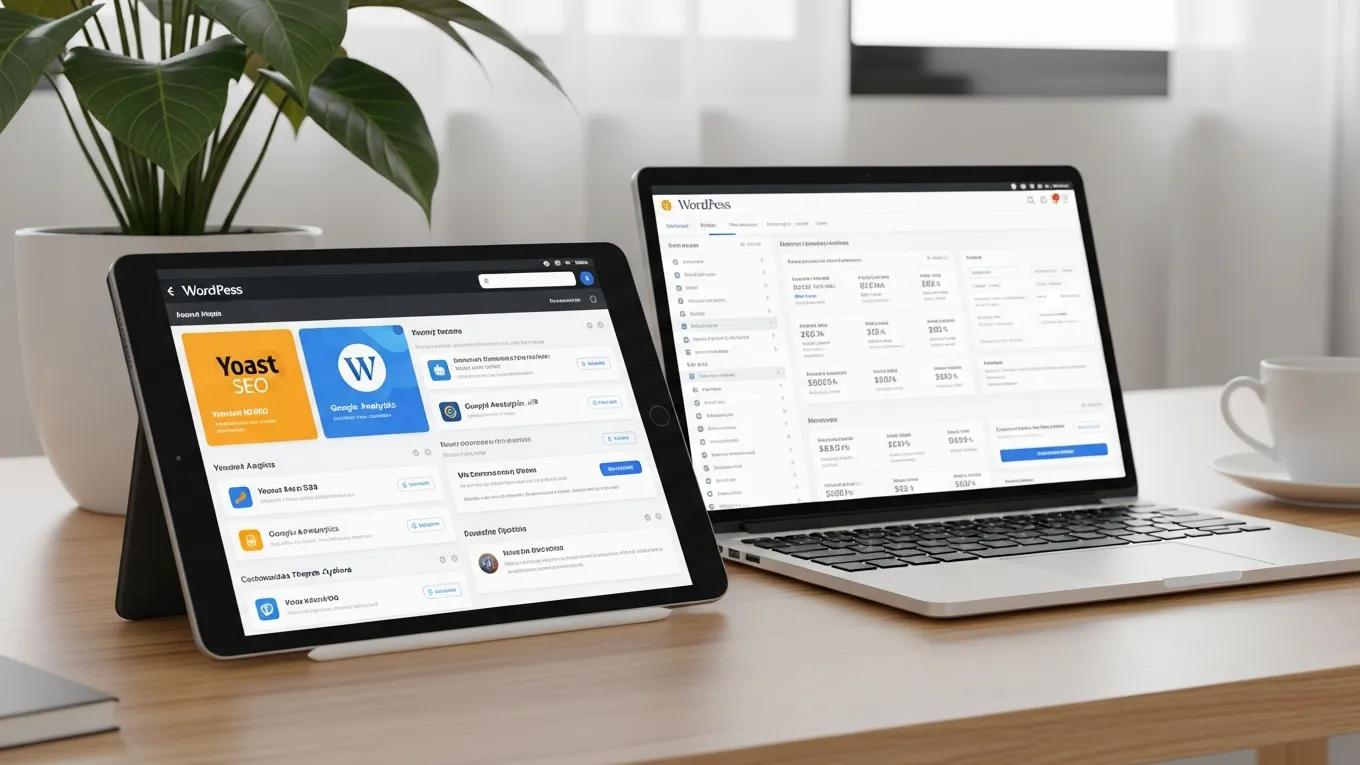
Knowing the core features that set WordPress apart helps you choose the right tools for your site.
Here are the practical capabilities to focus on.
| Feature | What it does | Why it helps |
|---|---|---|
| Plugins and themes | Adds functionality and visual options | Let’s you tailor your site’s look and features without custom coding |
| Content management tools | Makes creating and organising content simple | Enables quick updates and regular publishing |
| E-commerce capabilities | Integrates online selling tools | Let’s you sell products and services directly from your site |
| Mobile responsiveness | Ensures layouts adapt to smartphones and tablets | Helps you reach customers on any device |
Together, these features give small businesses the control to build a compelling, professional web presence that speaks to their customers.
Ease of Use
One of WordPress’s biggest strengths is how easy it is to use, even for people with no technical background.
The dashboard keeps content management simple, so publishing updates or new pages is fast. Drag-and-drop page builders eliminate the need for coding expertise, allowing owners and teams to design pages visually. That accessibility means business owners can focus on running their company instead of battling technology.
Expert Insights
Experts consistently recommend a robust CMS for small businesses, and WordPress often tops the list because it adapts as needs change. Its flexibility means you can evolve your site without costly rebuilds, and the platform supports multimedia, SEO and marketing integrations that drive results. Working with specialists like SO Web Designs ensures you’re implementing best practices and getting the most from the platform.
What Makes WordPress the Optimal CMS for Small Businesses?
WordPress stands out for several clear reasons that matter to small businesses.
- Usability: A straightforward interface that suits business owners and teams of any experience level.
- Customisation options: Access to thousands of plugins and themes for specific business needs.
- Plugin availability: Add features quickly, from SEO tools to live chat and booking systems.
- Support resources: A large community, detailed documentation and tutorials make problem-solving easier.
These strengths help small businesses keep control of their online presence and improve customer engagement without needing deep technical expertise.
How Does WordPress Enhance User-Friendly Website Management?
WordPress supports SME website management through practical, user-centred features.
- Intuitive dashboard: Clear layout and menus make routine tasks simple.
- Extensive plugin ecosystem: Add functions tailored for SMEs, such as contact forms and social integrations.
- Design customisation: Match content and visuals to your brand with minimal effort.
- SEO-friendly tools: Built-in and plugin options help optimise content for search engines.
Leveraging these features helps businesses run their websites efficiently and boost conversions.
Why WordPress Is the Leading CMS for Small Business Growth
Plugins let you expand WordPress as your business grows. Key tools include:
- WooCommerce: Converts a WordPress site into a full e-commerce store, ideal for selling products online.
- Yoast SEO: Guides on-page SEO and helps improve search rankings with clear recommendations.
- Contact Form 7: A simple, reliable tool for building contact forms to capture leads and enquiries.
These plugins help businesses scale operations while preserving functionality and performance.
What SEO Advantages Does WordPress Offer for Business Websites?
WordPress offers clear SEO advantages for small businesses looking to improve visibility online.
The platform’s generally clean code makes it easier for search engines to crawl and index pages. WordPress also makes it straightforward to add essential SEO features through plugins, meta tags, sitemaps, schema and more, so you can optimise pages without complex development work.
How Does WordPress Support SEO Best Practices to Improve Search Visibility?
WordPress helps you follow core SEO practices that improve discoverability:
- Permalinks: Customisable URLs that improve clarity and relevance for search engines.
- Image optimisation: Easy alt-text and sizing options that improve accessibility and image search performance.
- Categorisation and tagging: Organises content so search engines can index topics more effectively.
Applying these techniques can noticeably improve how easily customers find your business online. Local SEO can be a crucial aspect of this improvement.
What Role Does Local SEO Integration Play in WordPress Sites for SMEs?
Local SEO can be a major advantage for small businesses, and WordPress makes local optimisation straightforward.
- Google My Business integration: Linking your site to Google My Business helps boost local search presence.
- Localised keywords: Tailoring content with geographic terms helps attract nearby customers.
- Schema markup: Structured data helps search engines display accurate business details in results.
For SMEs, a focused local SEO strategy often outperforms broad, enterprise-style tactics by targeting customers who are most likely to convert.
Tailored SEO Strategies for Small Businesses
SEO for small business in 2026 is different from enterprise SEO, the playbook for a 10,000-employee company won’t work for a five-person shop, and a single-location service business needs a different approach to a multi-location franchise. This is a practical, no-fluff 2026 SEO framework for small businesses with limited time, limited budget and a need for measurable results. Drawn from 15+ years working with hundreds of small-business clients, the recommendations focus on the few SEO investments that produce real returns for firms under 50 employees — and clearly call out which costly services small businesses can skip.
SEO for Small Business: A Practical Guide That Actually Works, G Tiwari, 2017
How Does WordPress Provide Value as a Business Website Builder?
WordPress delivers strong value for small-business websites: functionality, flexibility and low running costs without compromising quality.
Because WordPress is open source, there are no licensing fees, which lets you put budget into design, marketing or product development. With countless themes and plugins available, WordPress can support you from launch through growth phases without costly rebuilds.
Why Is WordPress an Affordable Solution Compared to Other Platforms?
Several factors make WordPress a cost-effective choice compared with many other CMS platforms:
- Low initial costs: A basic WordPress site typically needs only hosting and a domain to get started.
- Free resources: Many free themes and plugins keep setup costs down while delivering real functionality.
- Cost-efficient scalability: Adding features or pages as you grow rarely requires a major budget increase.
SO Web Designs offers affordable design and ongoing support focused on WordPress, helping businesses maximise their site without overspending.
What Affordable Design and Support Services Complement Custom WordPress Builds?
Complementary services that help get the most from WordPress include:
- Custom theme development: Bespoke designs that reflect your brand and convert visitors.
- Ongoing maintenance: Regular updates and health checks to keep your site secure and running well.
- SEO services: Practical SEO support that helps your site attract the right visitors.
These services give small businesses practical, budget-friendly support throughout their digital journey.
How Can Businesses Maintain and Support Their Websites Efficiently?
Keeping a WordPress site healthy doesn’t have to be complicated. Small businesses can adopt a few reliable practices to stay on top of site health.
- Regular updates: Keep WordPress core, themes and plugins up to date to reduce security risks.
- Backups: Schedule automated backups to enable quick recovery if something goes wrong.
- Security measures: Use well-regarded security plugins and basic hardening steps to protect your site.
Following these routines helps ensure your website remains secure, functional and focused on serving customers.
What are the best practices for WordPress Website Maintenance and Security?
Routine maintenance and good security practices extend the life and reliability of your WordPress site. Key steps include:
- Conduct regular backups: Use plugins that automate backups and store them off-site.
- Update everything regularly: Apply updates to the WordPress core, themes and plugins as they become available.
- Implement security plugins: Monitor traffic, block malicious activity and detect breaches early with trusted security tools.
These measures help keep your site resilient and your business protected online.
How Do Ongoing SEO and Performance Optimisations Support WordPress Sites?
Ongoing optimisation is essential for both user experience and search visibility.
Regular SEO updates — refreshing content, tracking keywords, and auditing pages – help maintain and improve rankings. Performance checks, such as image optimisation and caching, keep pages loading quickly, improving engagement and conversions.
What Evidence Supports WordPress as the Leading Platform?
WordPress’s widespread adoption is clear: about 43% of all websites worldwide run on WordPress, and adoption among UK SMEs is even stronger.
That market share brings a large support ecosystem, frequent updates, and a steady flow of tools that improve user experience and security, all of which are important for small businesses competing online.
Which UK SME Case Studies Demonstrate WordPress Successes?
UK SMEs using WordPress often report higher traffic and stronger engagement after relaunches or targeted optimisation. Many credit WordPress’s flexibility, combined with tailored support from agencies like SO Web Designs, for helping them compete with larger rivals.
What Are Key Statistics Confirming WordPress Market Share and Adoption Among SMEs?
- Market share: WordPress powers approximately 43% of all existing websites.
- Growth rate: Over 500 new WordPress sites are created every hour.
- User base: Over 80 million sites worldwide use WordPress as their CMS.
These figures underline WordPress’s position as the leading CMS and a practical choice for SMEs that need an effective, affordable online presence.